
Download pElement – chemistry, periodic table, elements, science, education, facts, interactive, learning, isotopes, melting point, boiling point, electrical resistivity, expansion coefficient
Overview
pElement is a mobile application designed for individuals with a strong interest in chemistry and the periodic table. Its primary purpose is to deliver detailed, accurate, and interactive information about each chemical element, making it a valuable resource for students, educators, and science enthusiasts. The app addresses the need for a portable, comprehensive reference tool that goes beyond basic element data by offering over 60 key properties for each element. This depth of information helps users understand not only fundamental characteristics like melting and boiling points but also more advanced properties such as electrical resistivity and expansion coefficients.
Target users include high school and college-level chemistry learners, teachers preparing lesson materials, and hobbyist science fans seeking an engaging way to explore chemical elements. While the app is rooted in education, its interactive design and customization options elevate it beyond a standard textbook companion. Real-world use cases include quick reference during lab work, study sessions, or classroom presentations. Despite its release date in 2012, pElement remains relevant in the education category due to its focused content and efficient structure. The developer, pElement, has not provided additional background details, but the app’s longevity suggests a stable and dedicated maintenance approach.
Key Features & Functionality
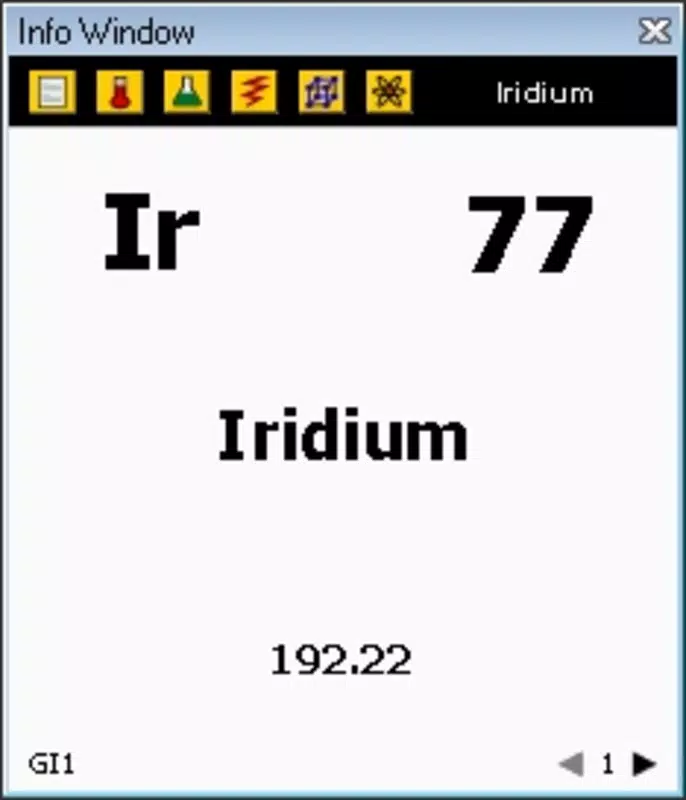
- Comprehensive Element Data: Each element includes over 60 detailed facts, such as melting and boiling points, electrical resistivity, and expansion coefficients, offering a rich dataset for in-depth analysis.
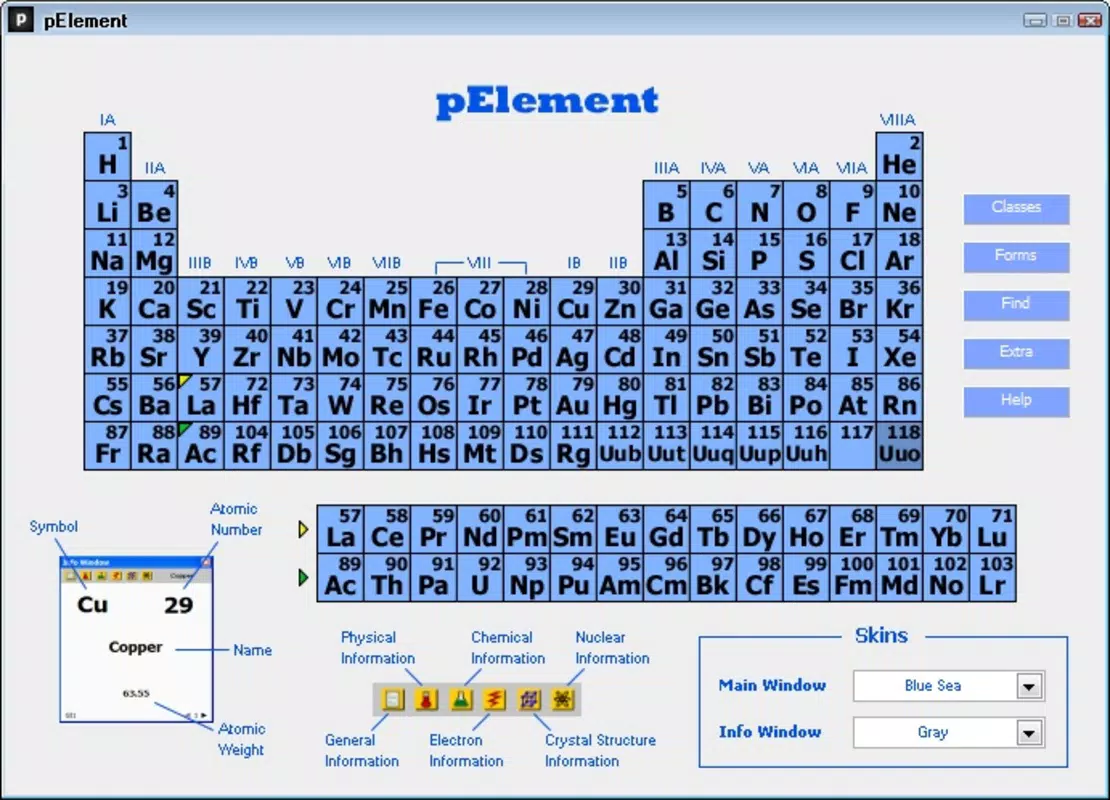
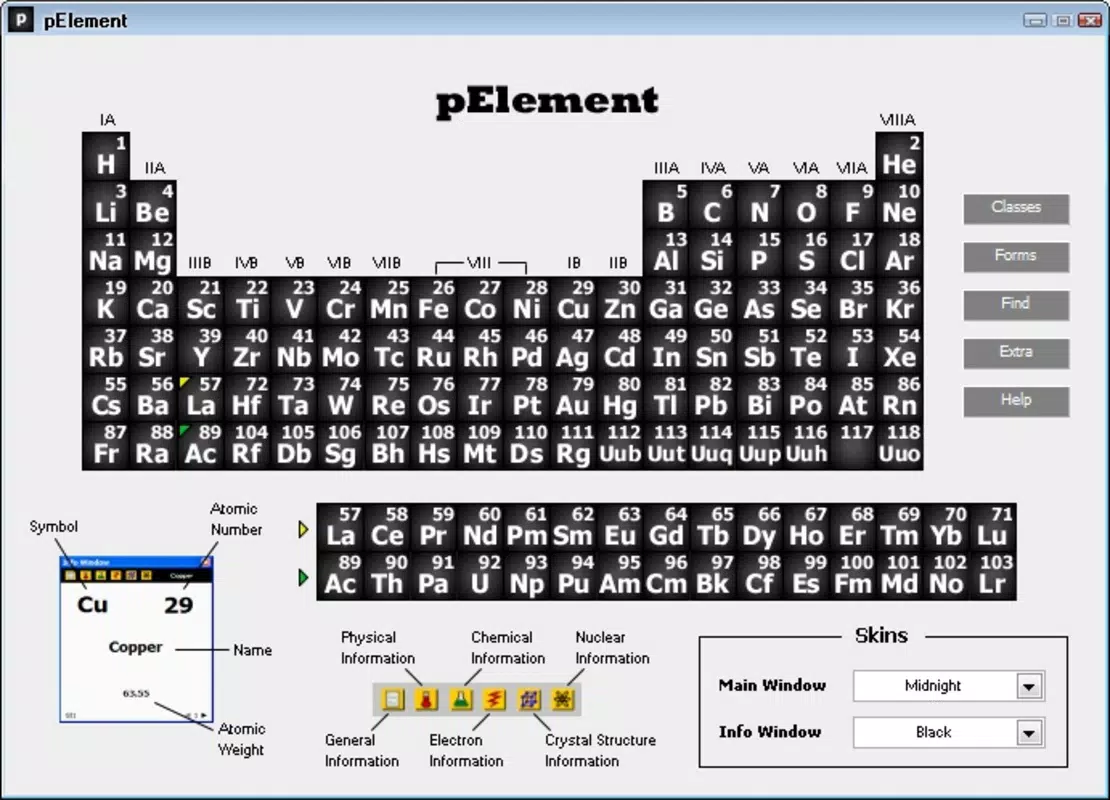
- Customizable Design Options: Users can personalize the periodic table’s appearance with three distinct 'skins' and multiple color schemes, enhancing visual engagement and user preference.
- Efficient Search Function: A robust search feature allows instant access to any element by name or symbol, improving usability for on-the-go reference and quick lookups.
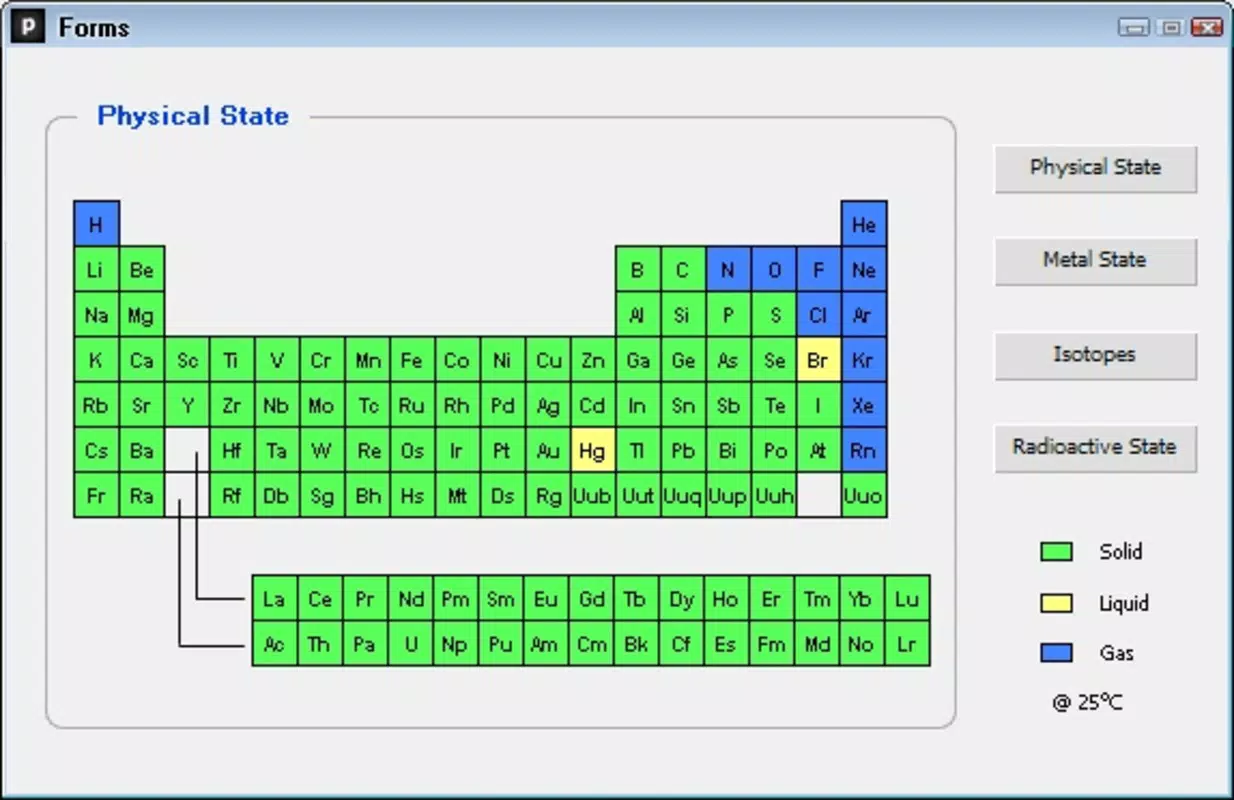
- Isotope and Mass Information: The app provides data on the number of isotopes and mass ranges for each element, supporting advanced learning and research needs.
- Interactive Learning Experience: By combining visual design with factual depth, pElement transforms the periodic table into a dynamic, exploratory tool rather than a static chart.
For example, a chemistry student can use the search function to quickly find tungsten’s melting point while preparing for an exam, then switch to a dark skin mode to reduce eye strain during late-night study sessions. Similarly, a teacher might use the app’s detailed data to create engaging classroom visuals or discussion points. The inclusion of isotopes and mass ranges supports deeper understanding of atomic structure, which is crucial in advanced chemistry topics.
Interface, UX & Performance
The user interface of pElement is designed with clarity and functionality in mind. The periodic table is laid out in a standard grid format, with each element clearly labeled and accessible through touch. Navigation is intuitive, allowing users to tap any element to view its detailed profile. The visual style emphasizes readability, with consistent typography and color coding that aligns with standard periodic table conventions. Customization options further enhance the experience by enabling users to adapt the interface to their preferences.
Although the developer did not list formal performance metrics, the app’s lightweight file size of 2.1 MB suggests efficient resource usage. It is expected to run smoothly on a wide range of Android devices, including older models. Responsiveness is consistent across interactions, with minimal lag during element selection and data loading. Stability appears reliable, as the app has remained available since its 2012 release without reported widespread issues. However, the developer did not specify minimum OS requirements or compatibility details, so users should exercise caution on very outdated systems.
Platform Compatibility & Technical Requirements
pElement is available exclusively on the Android platform. The current software version is 1.0.1, with a file size of 2.1 MB, indicating a lightweight application optimized for mobile use. The app is offered at no cost, making it accessible to a broad audience.
While the developer did not specify minimum OS requirements or device compatibility, the app’s long-standing presence suggests it supports a wide range of Android versions. Users are advised to check their device’s compatibility before installation. The app’s small size and free pricing model make it ideal for users seeking a low-commitment, high-value educational tool.
Pros and Cons
Pros
- Extensive data coverage with over 60 facts per element
- Customizable visual themes for personalized user experience
- Fast and intuitive search functionality
- Free to download and use with no in-app purchases
- Lightweight design suitable for older or low-storage devices
Cons
- Only available on Android, with no iOS version disclosed
- Developer did not provide detailed technical requirements or compatibility information
- Interface may appear dated compared to modern app design standards
- Limited to static data presentation without multimedia elements like videos or animations
- No integration with external learning platforms or cloud sync
FAQ
Is pElement available for iOS devices?
The developer has not released pElement for iOS. The app is currently available only on the Android platform.
Can I update pElement after installation?
Yes, updates are available through the Android app store. However, the developer has not provided a public changelog or update history.
Is pElement safe to download and install?
As a free app from a known developer, pElement is considered secure. It does not require excessive permissions and has a minimal file size, reducing potential security risks.
Does pElement require an internet connection?
No, the app functions fully offline. All data is stored locally, making it suitable for use in classrooms, labs, or areas with limited connectivity.
Can I use pElement for educational purposes?
Yes, the app is specifically designed for educational use. It supports learning and teaching chemistry topics such as elemental properties, isotopes, and physical characteristics.
Final Thoughts
pElement stands out as a dedicated, data-rich tool for anyone interested in chemistry and the periodic table. Its combination of comprehensive element facts, customizable interface, and efficient search function makes it a reliable companion for students, teachers, and science enthusiasts. While its design may reflect its 2012 origins, the app’s core functionality remains effective and relevant. The absence of ads, in-app purchases, and the free price point further enhance its appeal. For users seeking a focused, offline-capable educational app with deep scientific content, pElement delivers significant value.
Download pElement now


